Running and strength training.
Everything recorded.
Everything on your phone.
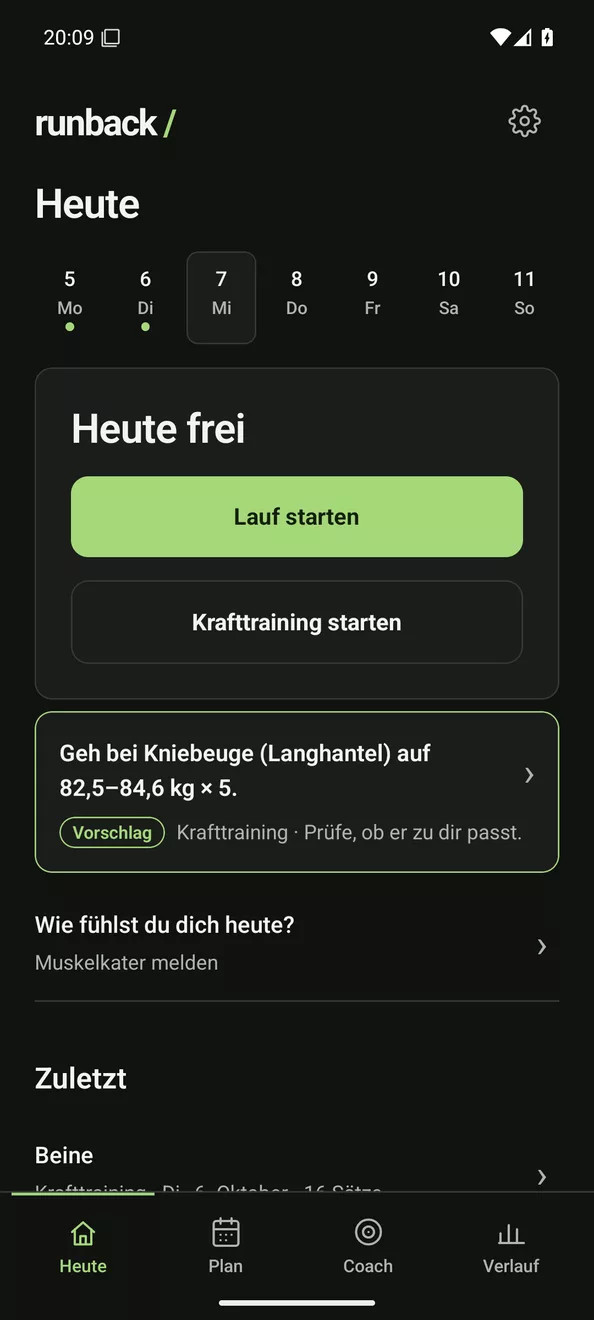
Runback is an open Android app with a Wear OS watch app. It records your runs and your gym sessions and shows you how your training develops.
- No account
- No cloud
- No subscription
- No ads
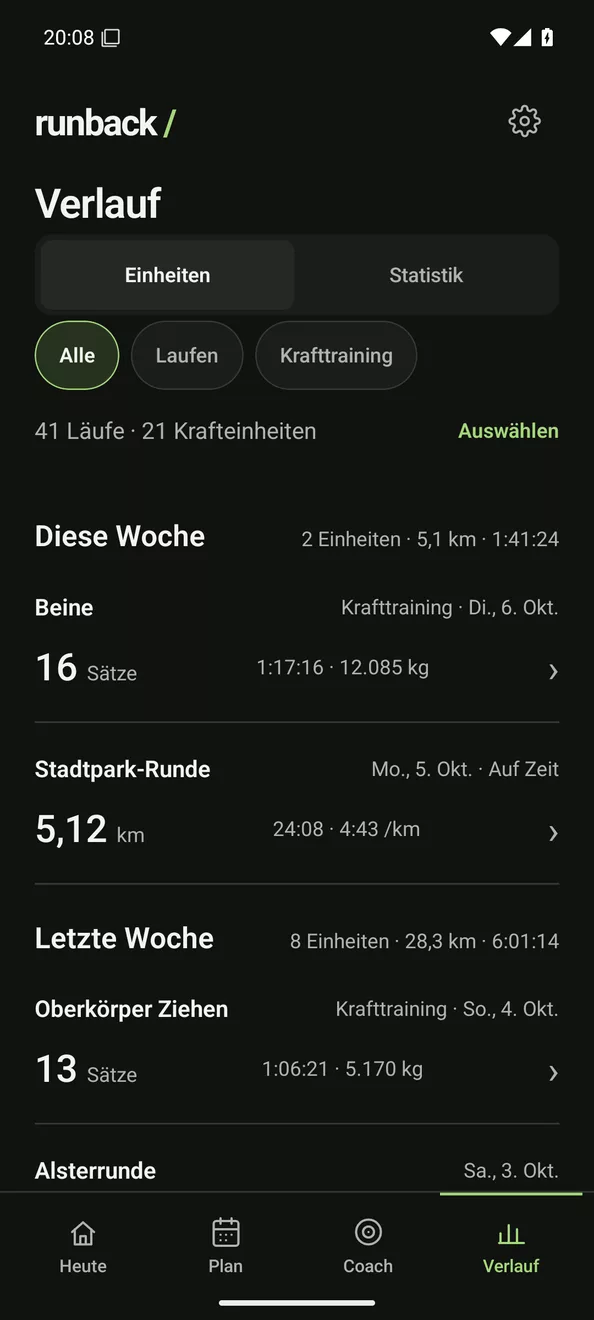
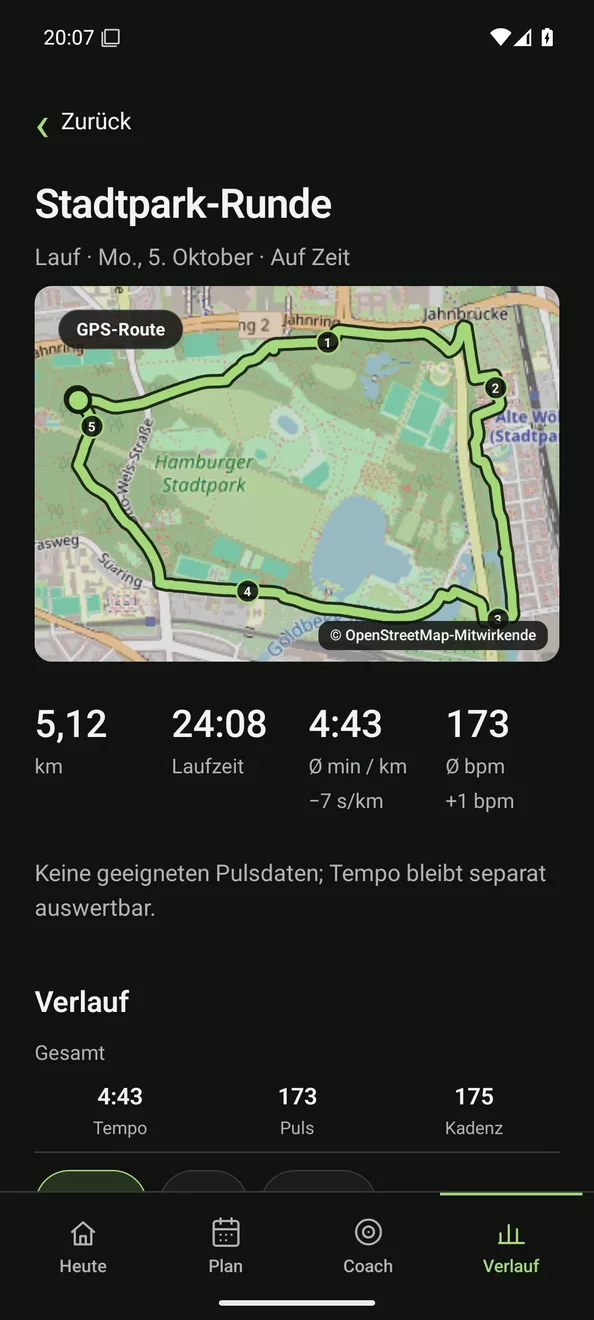
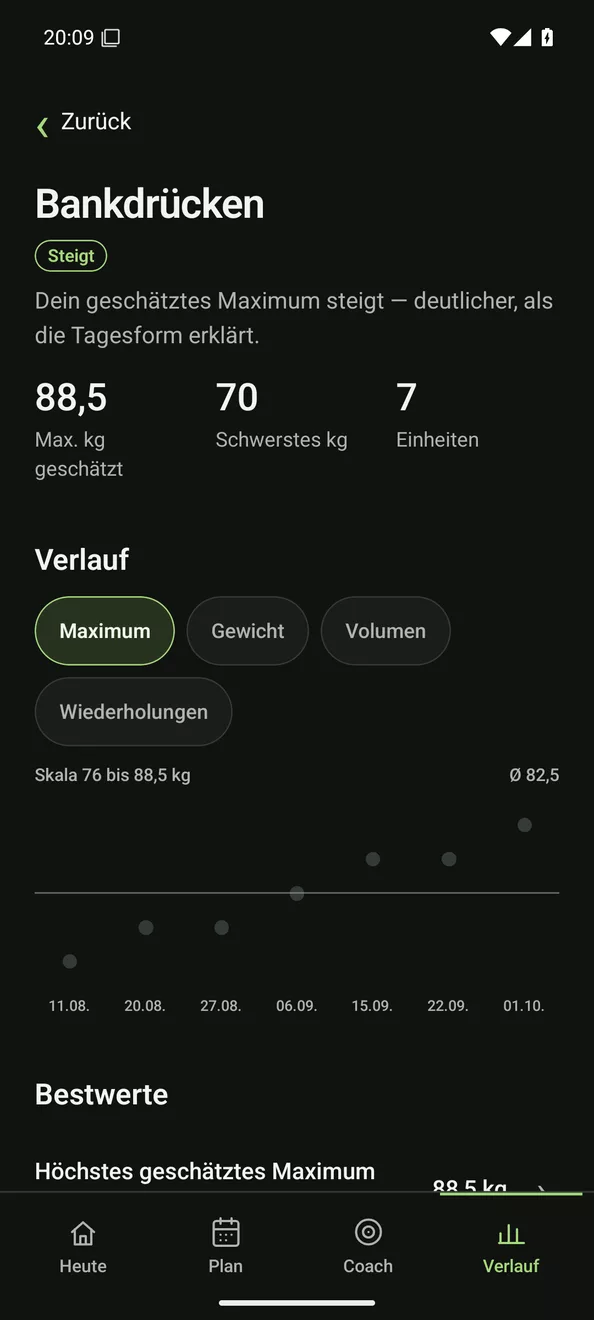
Real screenshots of the app with sample data. The app itself is in German for now.
Switching
Don't start from zero.
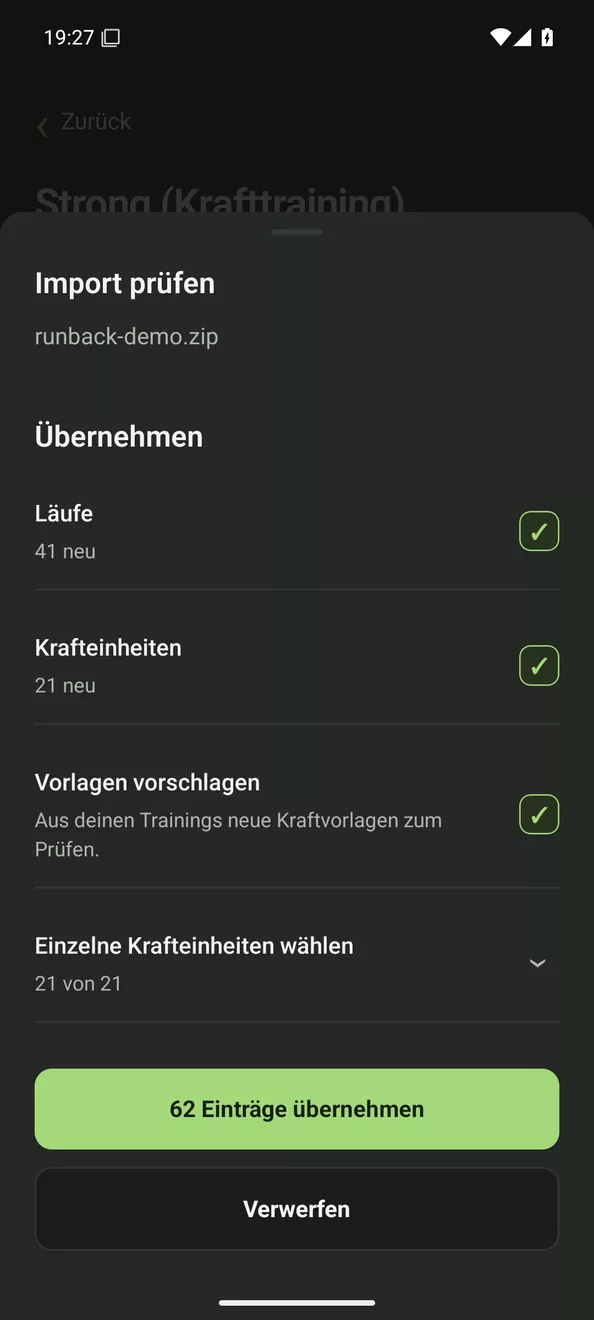
Coming from another app? Export your data there and import it into Runback. That way you start right away with your whole history instead of an empty app.
FIT · GPX · ZIPData exportTakeout · TCXTakeoutexport.zipZIP · GPXGPX · CSVTCX · GPXstrong.csv- Review first, then take over
- Duplicate runs are detected
- Each import can be deleted on its own
Running
Every run, complete.
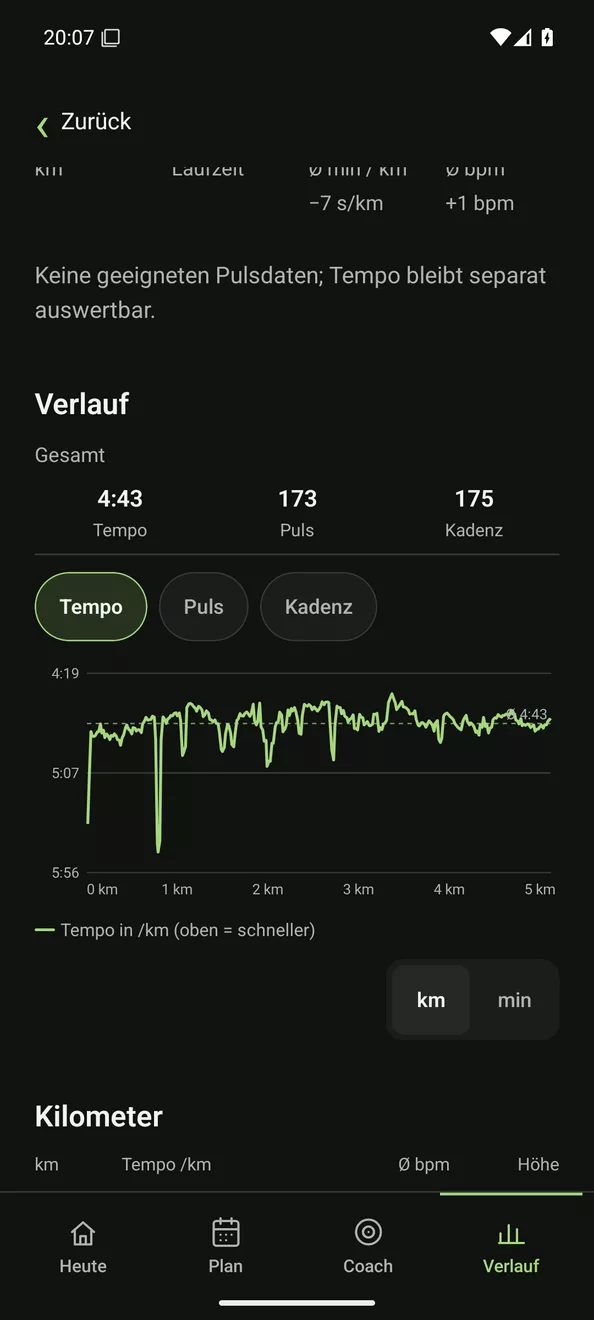
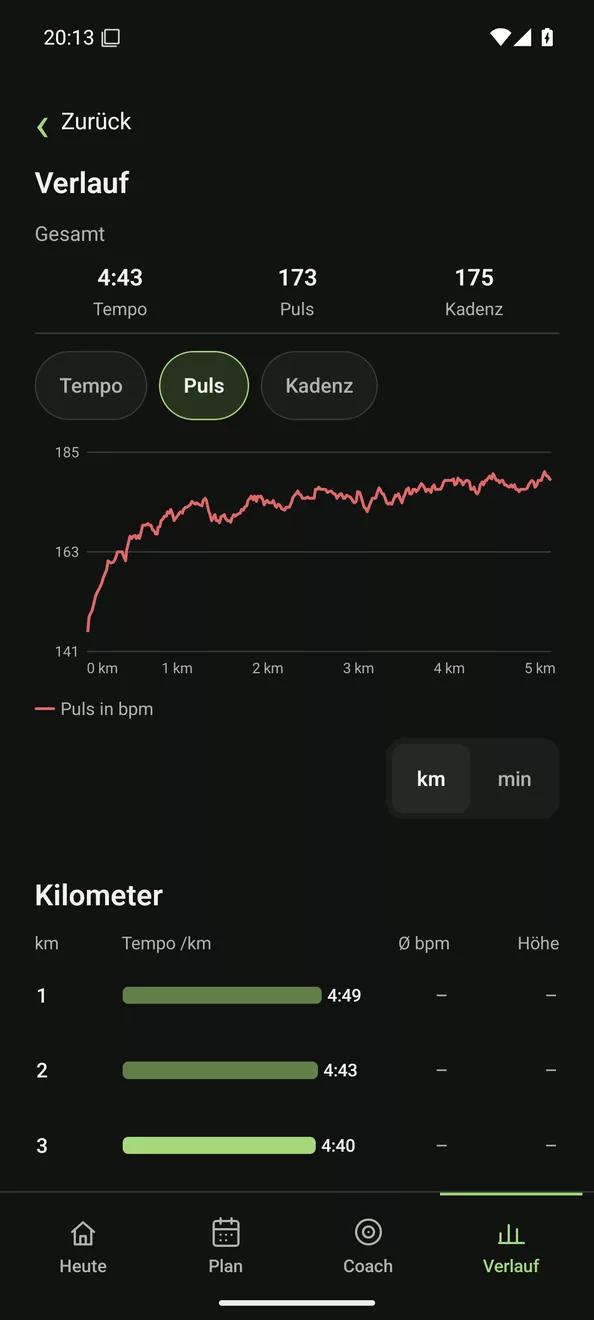
Route, pace, heart rate and cadence, recorded by the phone, the watch or a chest strap. Afterwards you see every kilometre.
- GPS route on the map, also in the background
- Pace, heart rate and cadence over distance or time
- Kilometre splits, pacing and consistency
- Run type is suggested, you confirm
- Voice and vibration cues
In context
Every run, put in relation.
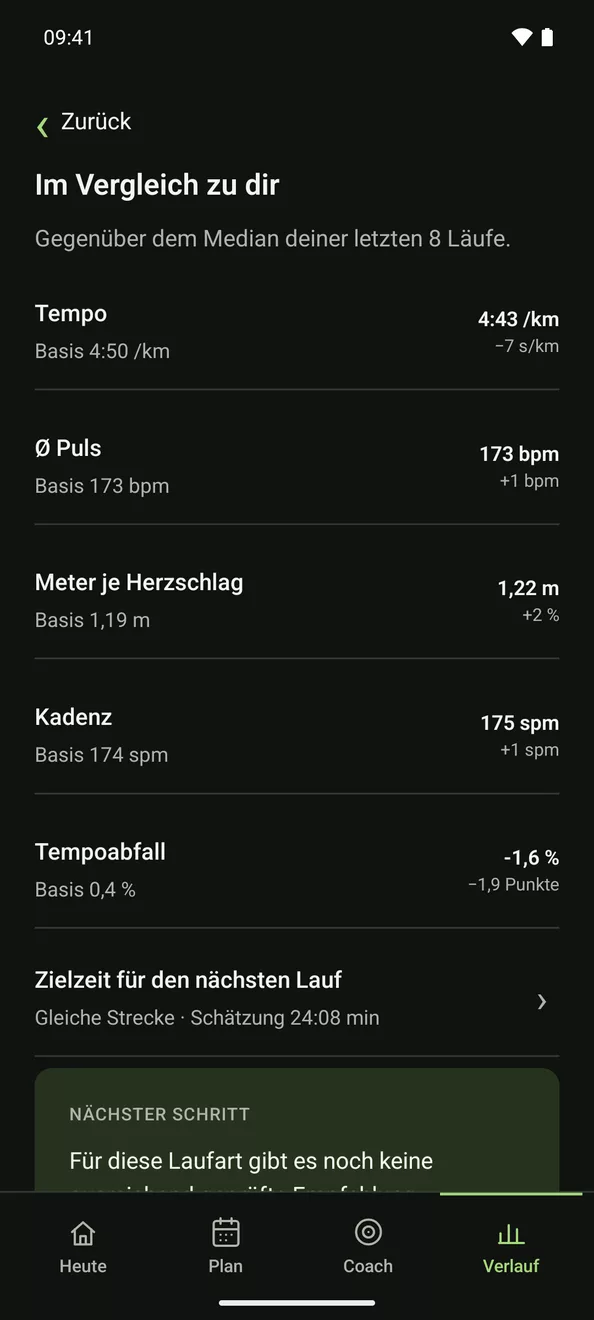
Once there are three suitable earlier runs, Runback compares every run with their median and shows you in numbers how it went: faster or slower, with a higher or lower heart rate, more efficient or not.
- Pace, heart rate, metres per heartbeat, cadence and pace fade, where the data allows
- The gap to your baseline for every number, with an arrow for better or worse
- On the same route: how many times you ran it and the gap to last time
- Heart rate at the same pace compared with your usual level
Strength training
Every gym session, traceable.
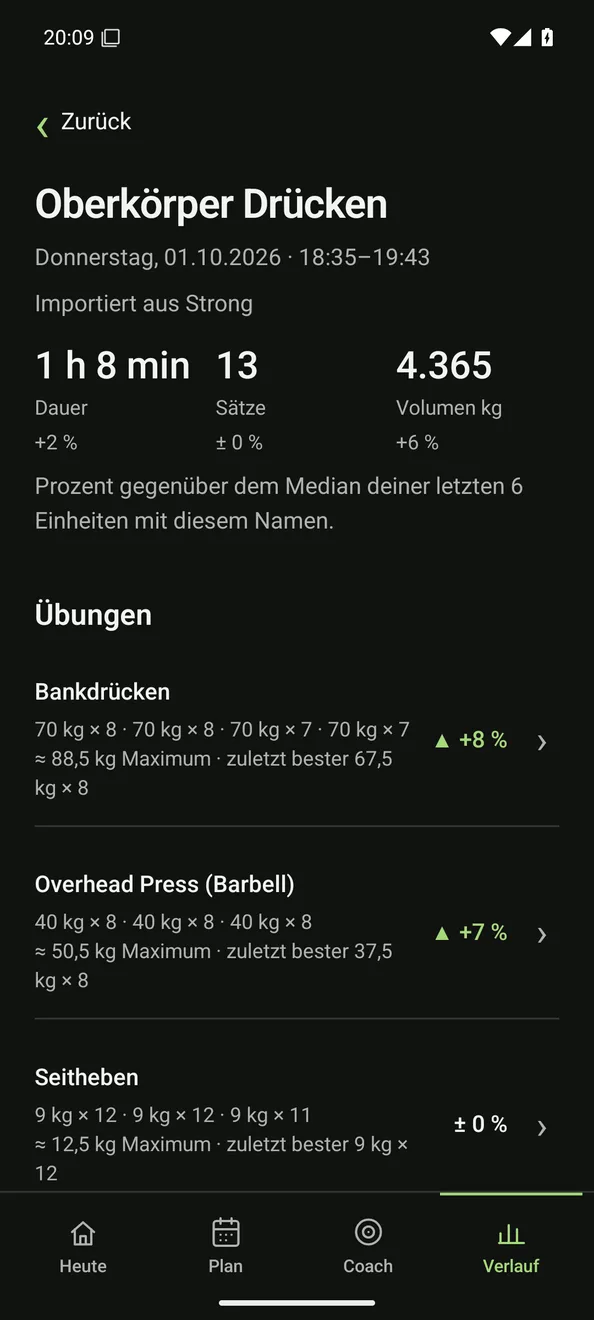
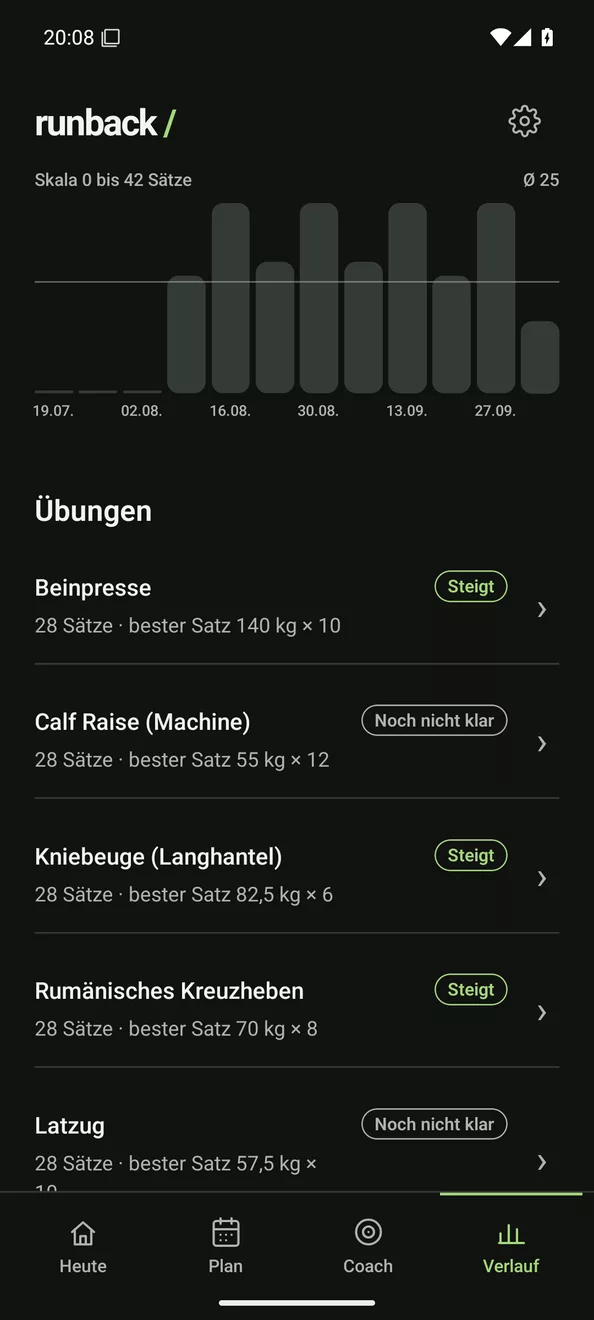
Exercises, weights and reps, compared with your last sessions. So you see whether an exercise is really moving forward.
- Tick off sets, with a rest timer
- Each exercise compared with your last sessions
- Estimated maximum, clearly marked as an estimate
- Trend: rising · stable · falling · not clear yet
- Sets per muscle group and templates
Detected automatically
Your watch counts along.
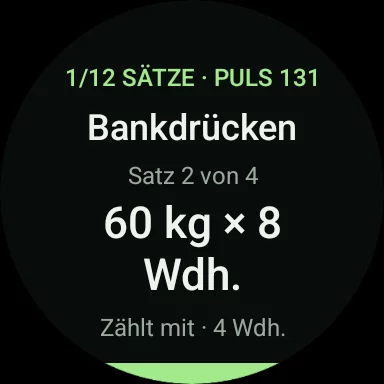
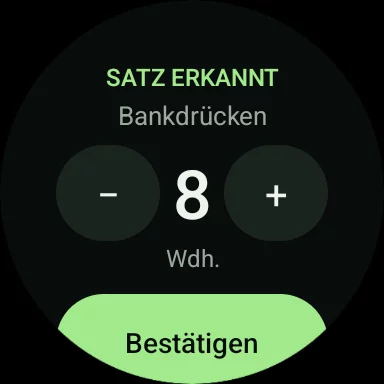
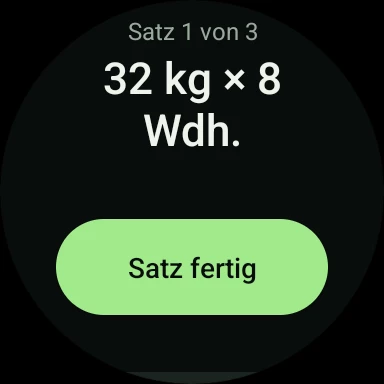
Wear the watch while you train. It recognises the exercise, counts your reps and notices when a set is done. You take a quick look and confirm.
- The exercise is recognised
- Reps are counted live for supported exercises
- The end of a set is detected, the rest starts once you confirm
- Fix the number with + and − before it is saved
Statistics
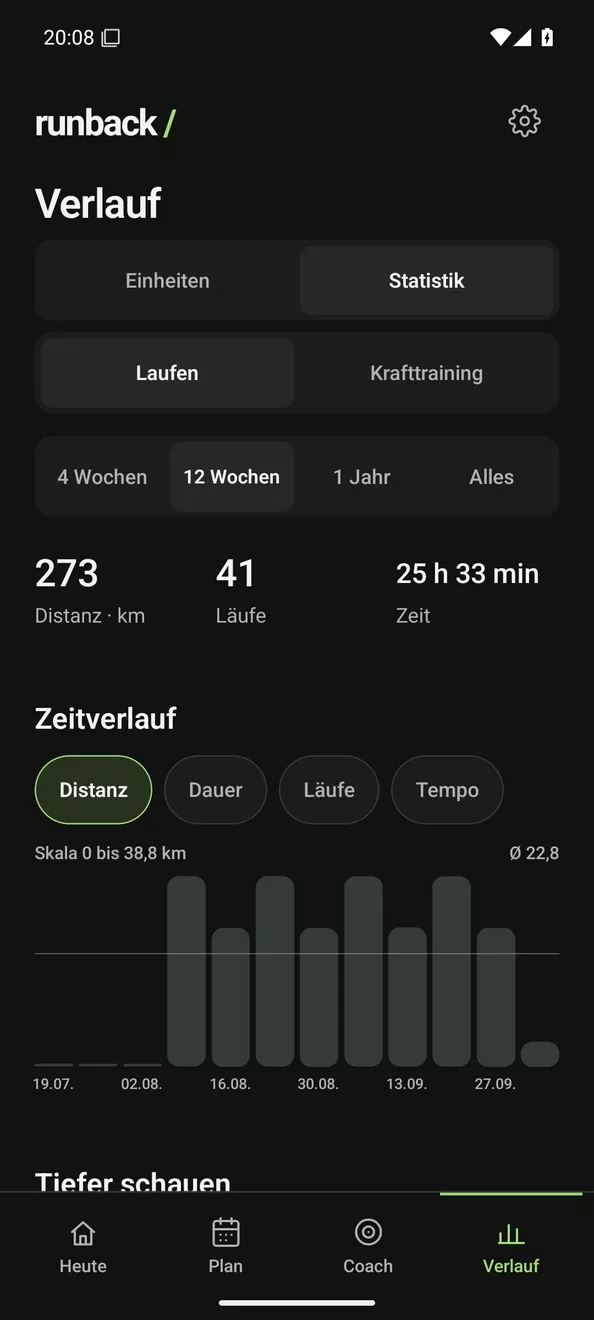
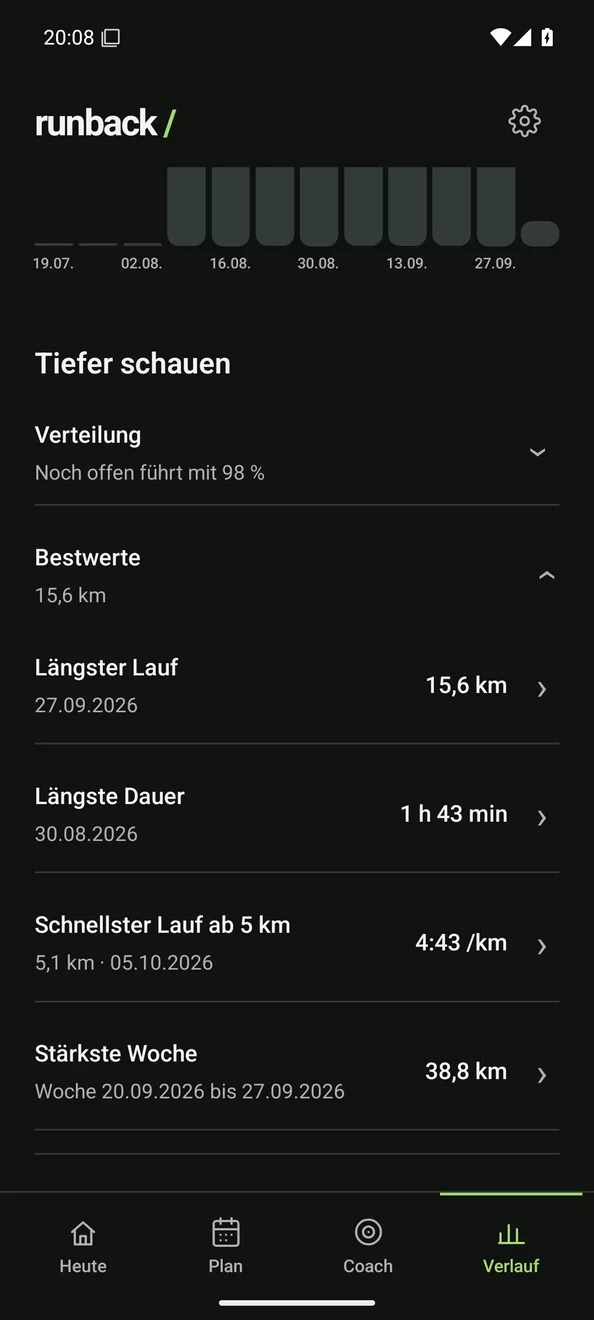
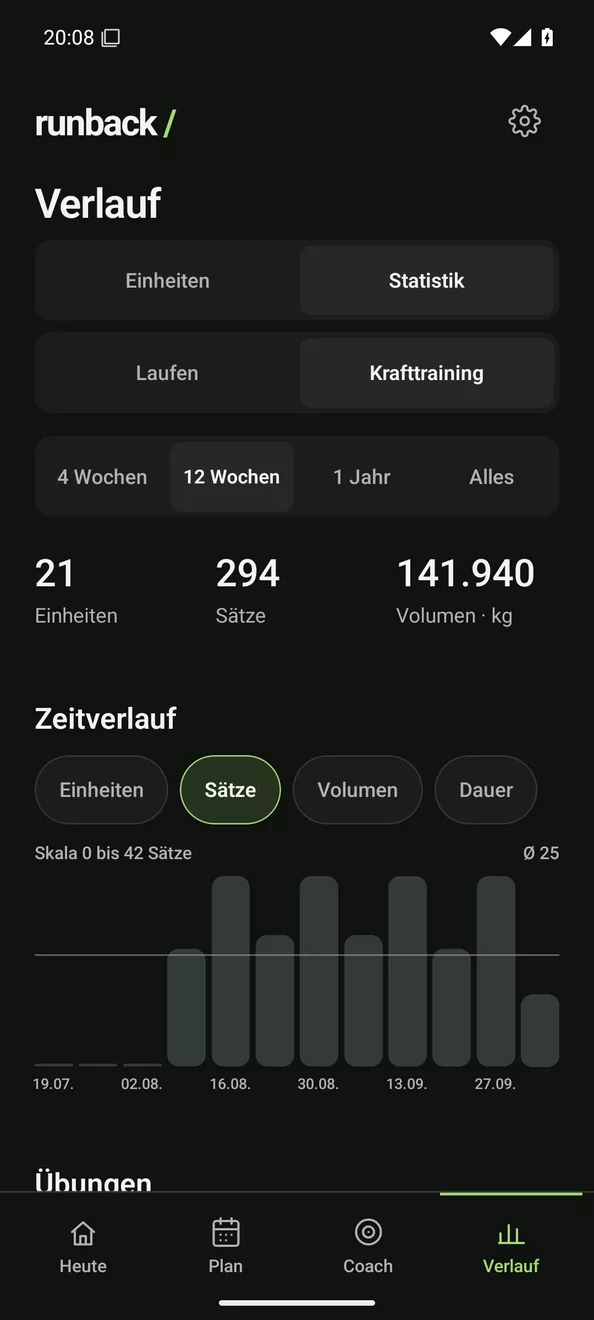
Every statistic. No subscription.
Runback shows you everything that can be calculated from your data and goes deep. None of it sits behind a subscription, as you might know it from Strava.
Reports
Ask the AI of your choice.
Export your runs as a report with analysis and time series, and your strength training with sets, heart rate and motion data. Hand the files to ChatGPT or another AI chat and have your training analysed.
- Share single runs directly, whole periods as a ZIP
- A report to read, the analysis as JSON, the time series as CSV where available
- Strength sessions recorded in Runback with sets, heart rate and motion data from the watch, excluding imports
Wear OS
On your wrist.
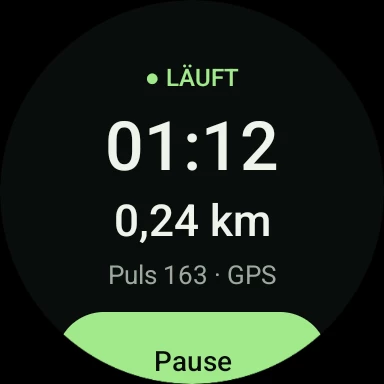
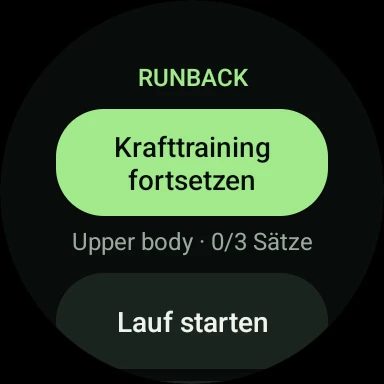
The watch app runs on its own. Leave the phone at home or take both.
- Record runs with just the watch, with GPS and heart rate
- Control strength training from your wrist while the phone is connected
- Live heart rate on the watch during strength training
- If the watch switches off, what you recorded so far is kept
Your data
Stays with you.
Recording and analysis work without internet and without an account. There is no central Runback server. Map tiles, waypoints when planning a route, optional weather and music queries, and whatever you choose to send to OpenRouter or your own server can leave your phone. Music is an optional extra using your Spotify Premium account and personal credentials; you can also set BPM yourself.
Coach · optional
One suggestion, when the data supports it.
Runback suggests at most one thing per area and later checks whether it helped. If the data isn't enough, it says “not clear yet”. If you don't need it, switch it off.
Open source
Built in the open.
$ git clone https://github.com/GhostCodeByte/Runback
$ cd Runback && npm ci
$ npm test -- --runInBand
$ cd android && ./gradlew :app:assembleRelease- One repository. Phone, watch and your own server.
- Built automatically. Every change is checked and published as a test build.
- Rules you can read. Spec, design language and glossary live next to the code, in German.
License not decided yet · Test build
Give it a try.
Free and without an account. Test build for Android 8 and Wear OS 3 or newer.
Android 8 or newer · Wear OS 3 or newer · Test build